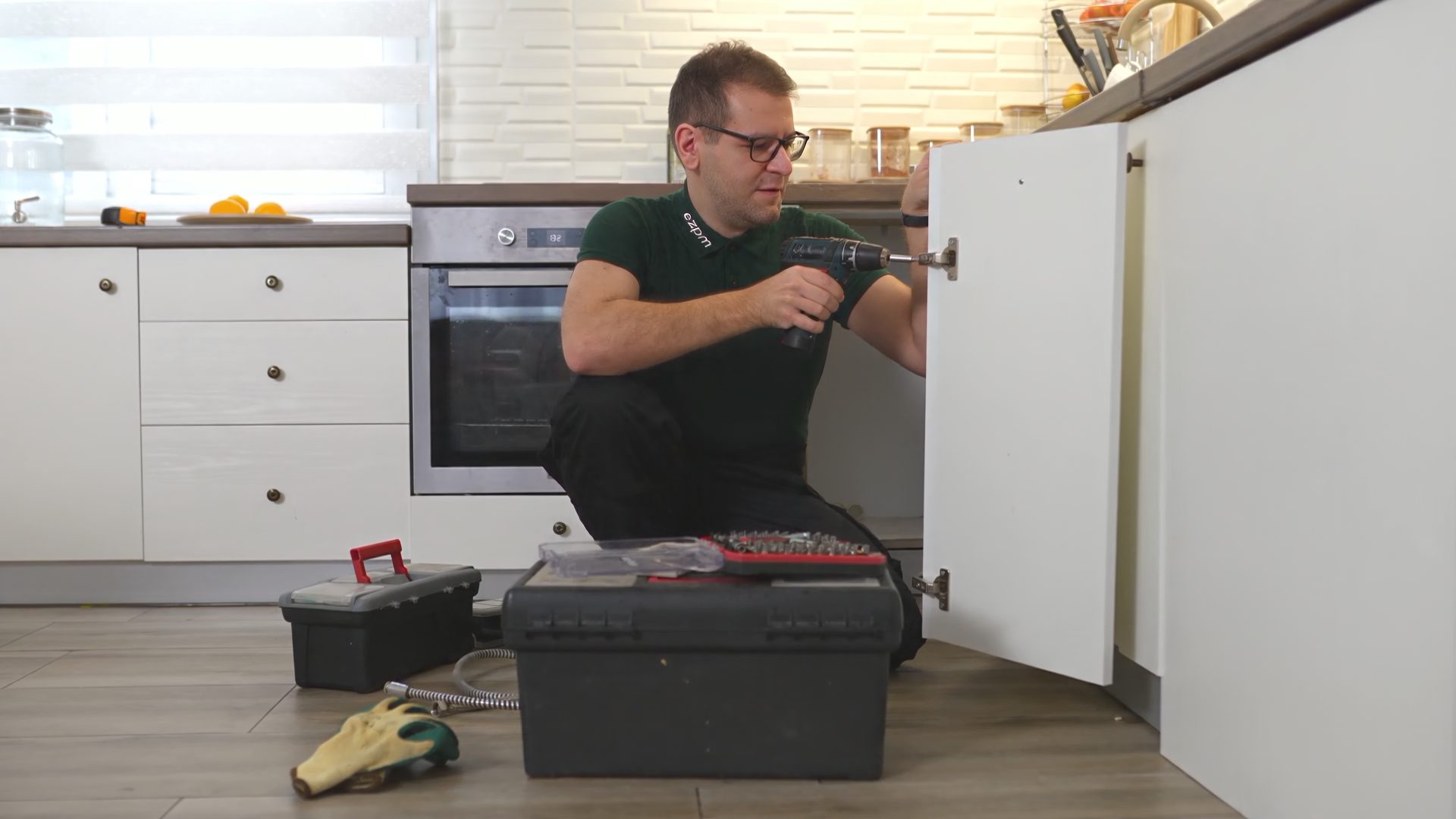
Property rectification for property managers in Greater Brisbane

Rentals back to standard, without juggling trades.

Send one work order with everything the property needs. One EZPM crew fixes it all: the cleaning, the adjustments, the small repairs and the garden. Every item is priced before you approve and photographed when it's done.

Job sheet
8 Example Place, Camp Hill
Work order WO-50002 · Example Realty
Example
  1. 1
    Oven complete, 60 cm
    Cleaning
  2. 2
    Shower surfaces complete
    Cleaning
  3. 3
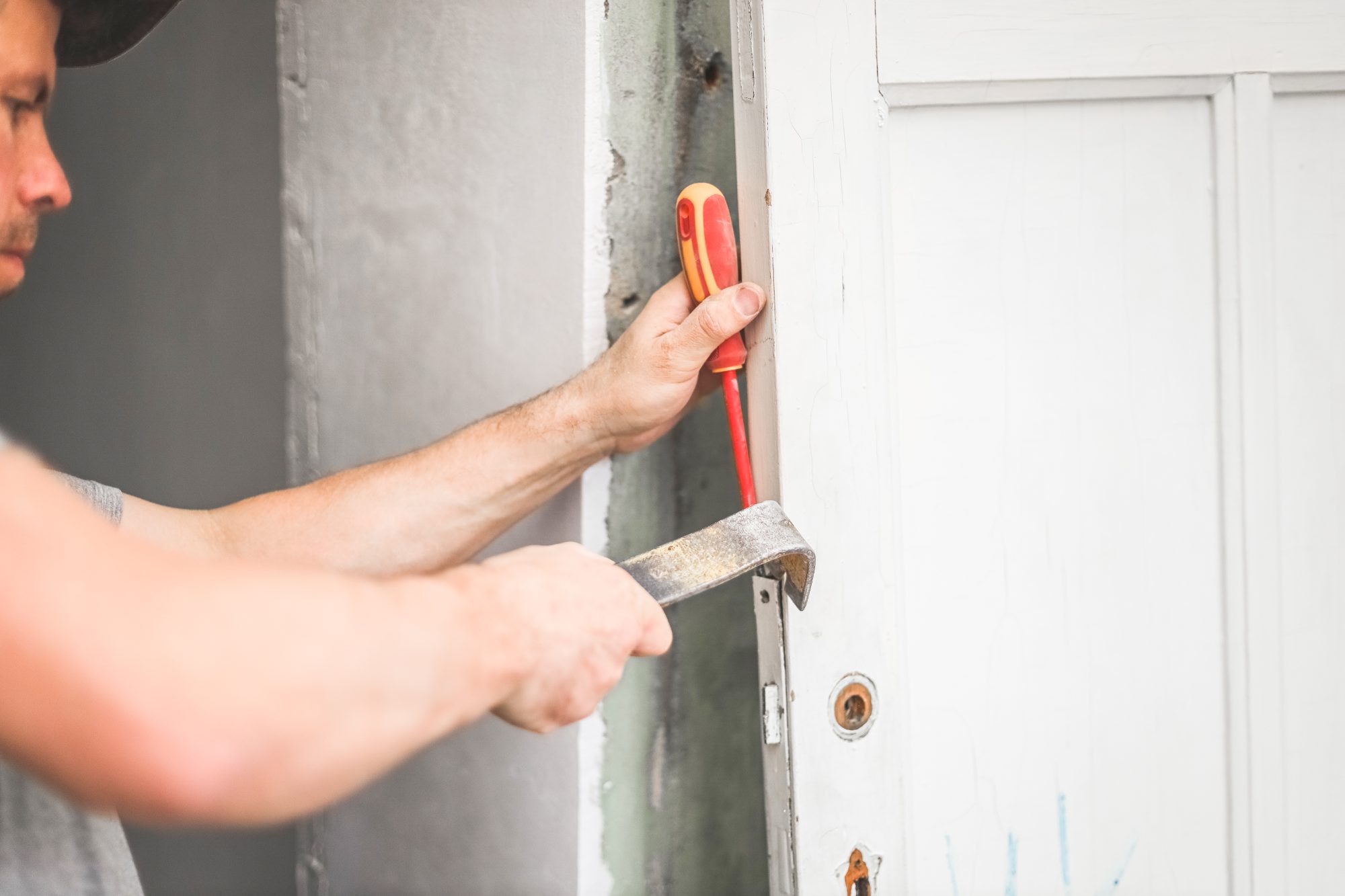
    Adjust a rubbing internal door
    Adjustment
  4. 4
    Replace insect-screen mesh and spline
    Repair
  5. 5
    Wall marks, local area
    Cleaning

+ 3 more items

Every item priced from our price list, with its written scope
One work orderEverything the property needs, in one request from your maintenance software.
Priced before you approveEvery item priced from our published price list.
A written standardEvery item has a set scope and finish.
Proof for every itemBefore and after photos, in one report.

What EZPM is

We fix the problem, not one trade's part of it.

You tell us what's wrong with the property. We work out whether each item needs cleaning, adjusting or a small repair, and one crew gets it back to standard. That's property rectification.

Between tenancies

Make-good after a tenant moves out, so the property is ready for the ingoing inspection.

When something's reported

The rubbing door, the torn screen, the blown globes: the small issues that sit on a to-do list.

Within a clear scope

Cleaning, adjustments, small repairs and garden work. Licensed work goes to a licensed trade.

Why agencies use EZPM

Not a cleaner. Not a handyman. One service for the whole job.

Booking trades one by one: the property manager contacts a cleaner, a handyman and a gardener separately, with three quotes, three visits to arrange and three sets of photos. One EZPM work order: the property manager sends one work order to EZPM, one crew for every item, with one job sheet, one approval and one report.

Booking trades one by one

Property managerCleanerHandymanGardener

Three quotes, three visits to arrange, three sets of photos.

One EZPM work order

Property managerEZPMOne crew, every item

One job sheet, one approval, one report.

Booking trades one by one compared with EZPM
Booking trades one by oneEZPM
Who you contactA cleaner, a handyman and a gardener, each separatelyOne work order, in the software you already use
What you approveSeparate quotes, each in its own formatOne job sheet, every item priced from our price list
What "done" meansWhatever each trade decidesA written scope and finish standard for every item
Proof for your fileWhatever each trade sends youBefore and after photos for every item, in one report
Work that needs a licenceDepends who turns upWe tell you up front, so it goes to a licensed trade

How it works

One work order, five kinds of work, one crew.

An example: a tenant has moved out of 8 Example Place, and the property needs eight things before the next one moves in.

  1. 1

    Send one work order.

    List everything the property needs, in your maintenance software as you do now. No need to split it between trades.

  2. 2

    Every item, priced.

    We reply in the same work order with a job sheet: each item matched to our price list, with its price and written scope. Anything we suggest is marked, and you can decline it.

  3. 3

    One crew does it all.

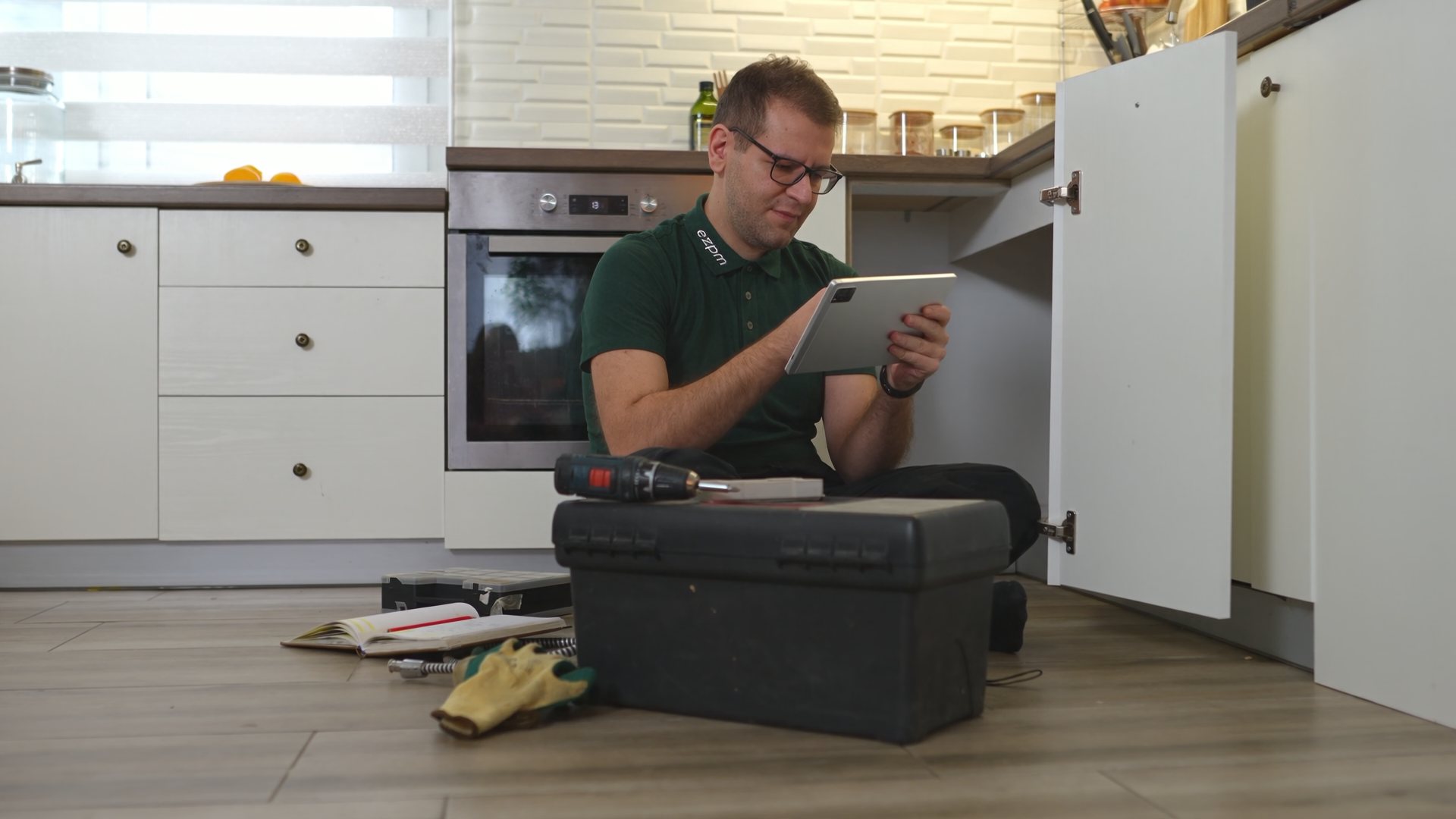
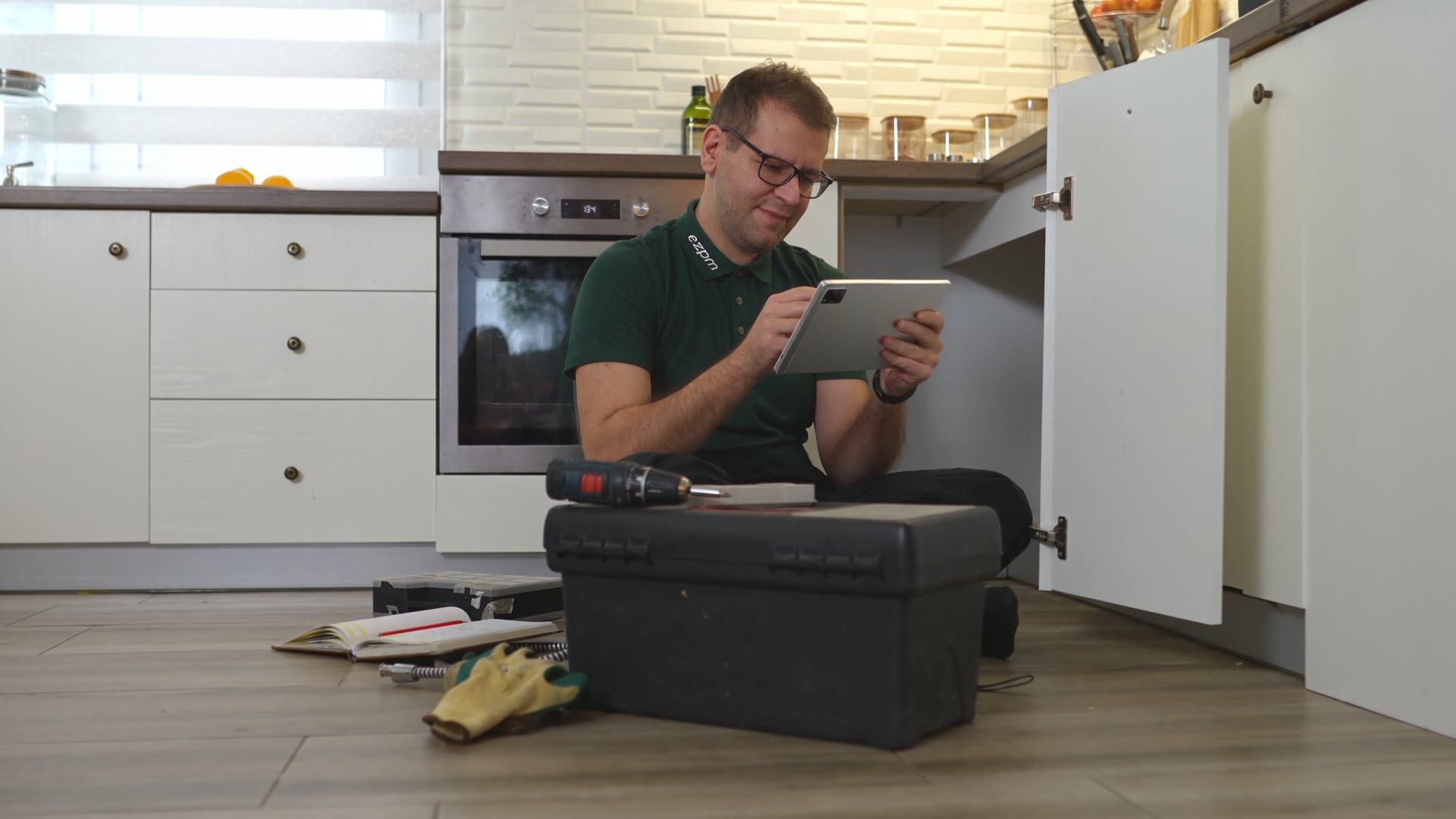
    Once you approve, one EZPM crew does the cleaning, the adjustments, the small repairs and the garden, each item to its written standard.

  4. 4

    Proof for every item.

    Before and after photos and the crew's note for each item, numbered to match your job sheet. The report comes back in your work order.

The EZPM crew app

The standard doesn't depend on who turns up.

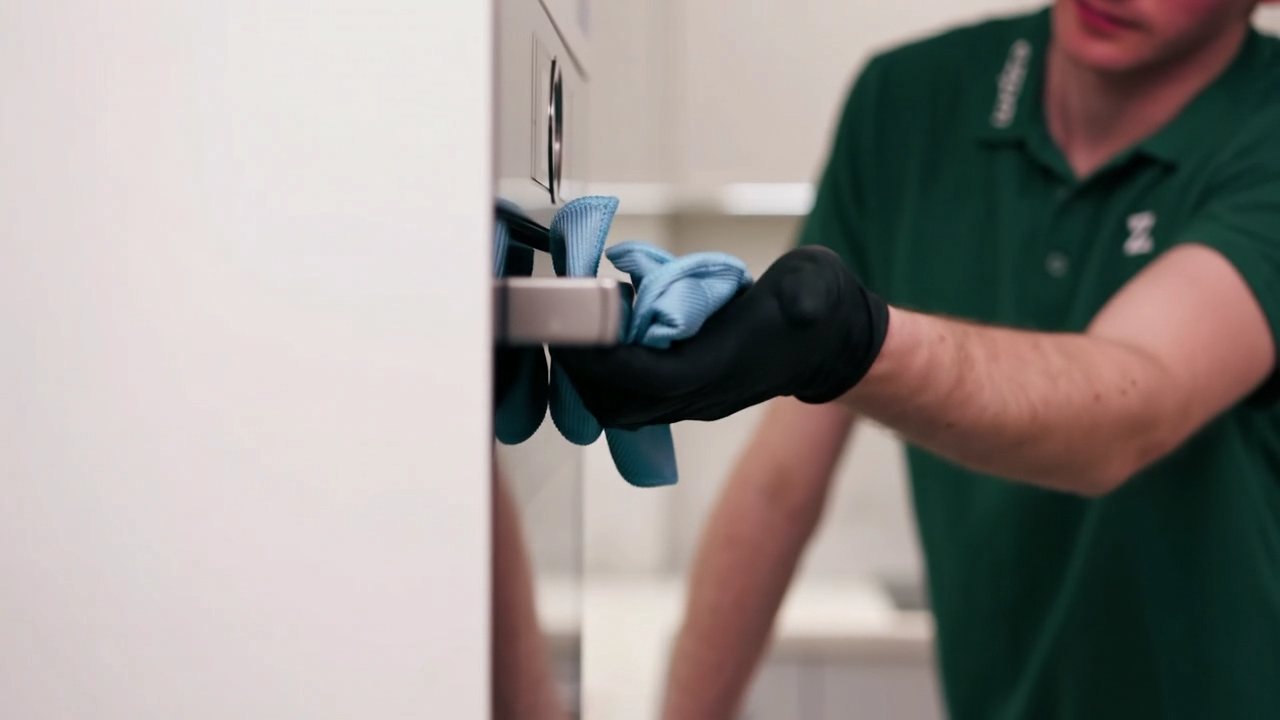
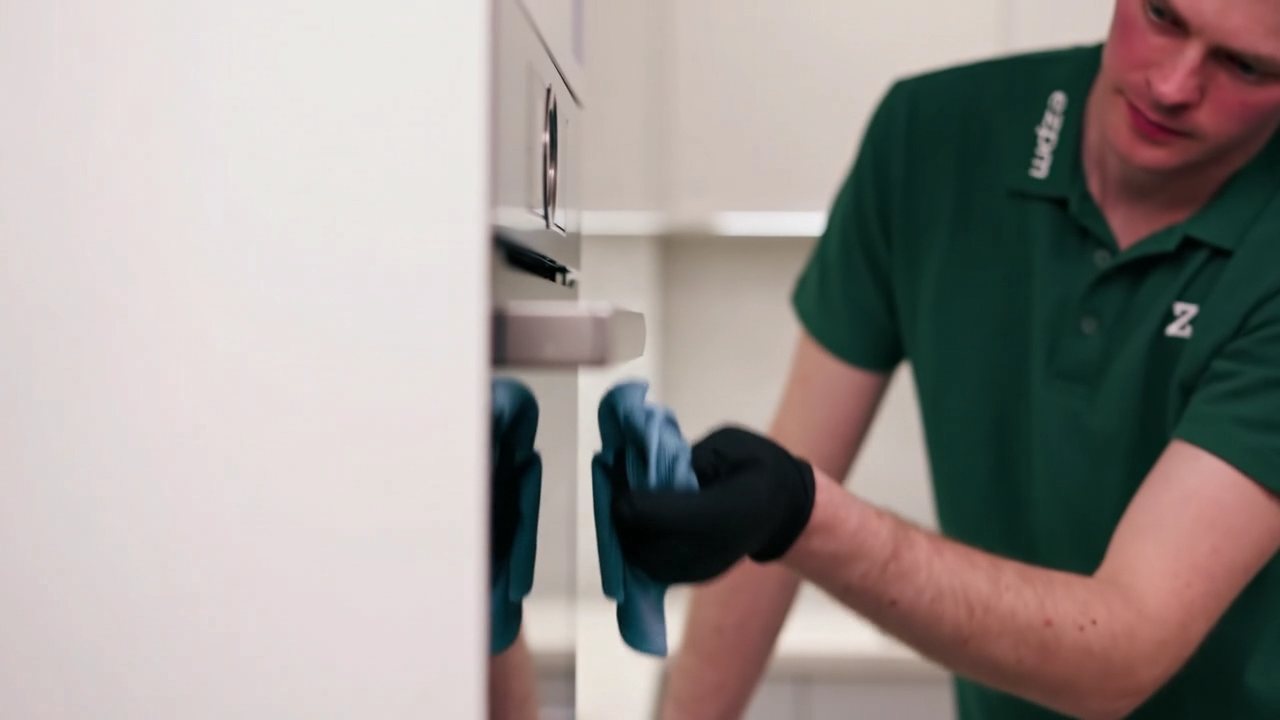
Every EZPM crew works from the same app. It walks them through each job item by item, so every property gets the same checks, the same photos and the same report.

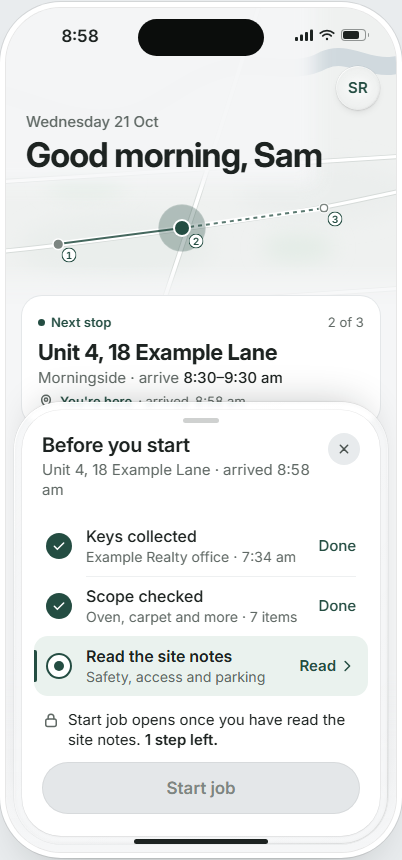
Crew app: before you start, with keys collected, scope checked and site notes to read
Ready before they startKeys collected, scope checked and site notes read before the job can begin.
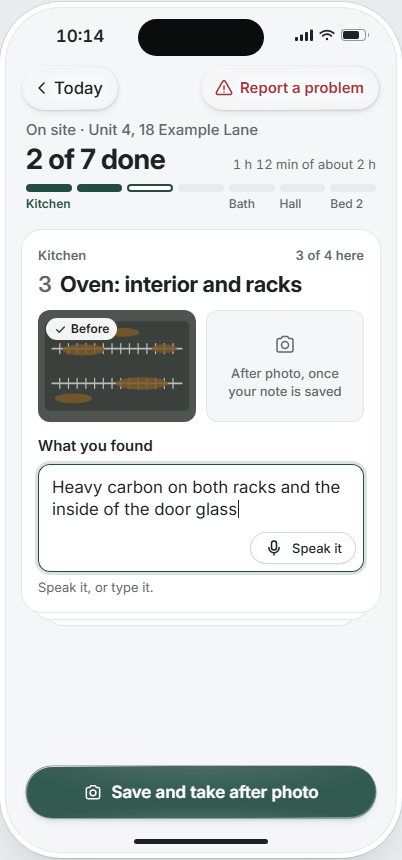
Crew app: an item's before photo and what the crew found
The standard, item by itemA before photo first, then what they found, spoken or typed.
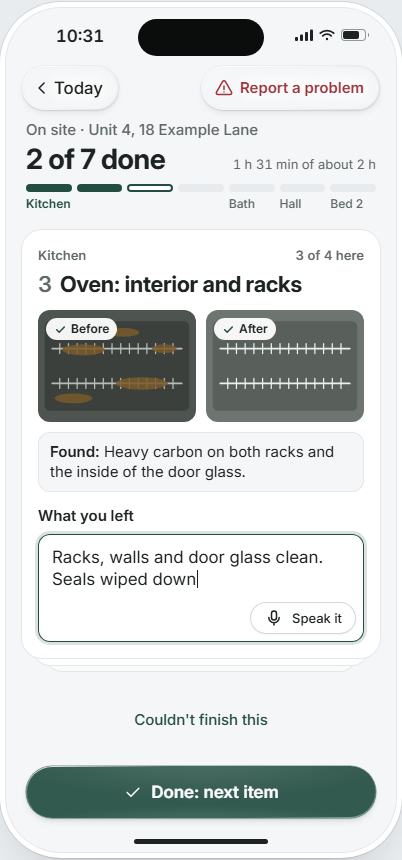
Crew app: before and after photos and what the crew left
Before and after, every itemAn after photo and what they left, before the next item opens.
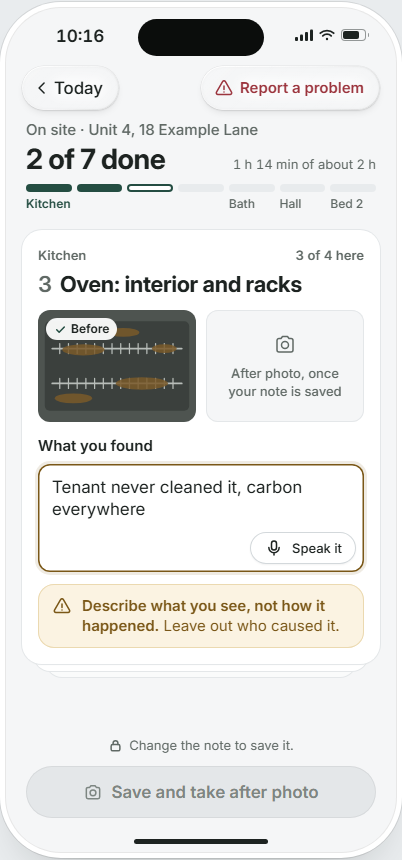
Crew app: a note that blames someone cannot be saved
Facts, not blameNotes describe what's there, not who caused it. A note that blames someone can't be saved.

What we fix

The small issues that hold up a rental.

A selection from our price list. Every item has a written scope, so you know exactly what's included.

Everything we fix

Kitchen

  • Oven complete, 60 cm
  • Ceramic or induction cooktop
  • Gas cooktop and removable trivets
  • Rangehood and filter
  • Cupboard and drawer interiors
  • Sink, tap and splashback

Bathroom and toilet

  • Shower surfaces complete
  • Shower glass only
  • Shower frame and door track
  • Toilet complete
  • Vanity, basin and mirror
  • Exhaust fan cover

Windows and coverings

  • Window glass, internal face
  • Window sill and frame
  • Window track
  • Sliding-door glass
  • Sliding-door track and threshold
  • Blind slats

Rooms and fixtures

  • Wall marks, local area
  • Full wall surface wash
  • Skirting boards
  • Architraves and picture rails
  • Internal door and frame
  • Light switches and power points

Floors

  • Carpet vacuum
  • Carpet edges and corners
  • Tile floor vacuum and mop
  • Sealed timber floor vacuum and damp mop
  • Vinyl or laminate floor vacuum and damp mop
  • Sticky residue on hard floor

Laundry, outdoor and garage

  • Laundry trough and tap
  • Washing machine exterior
  • Balcony floor sweep and mop
  • Patio or courtyard sweep and wash
  • Garage floor sweep
  • Entry porch and steps

The completion report

Proof of what was found and what was done.

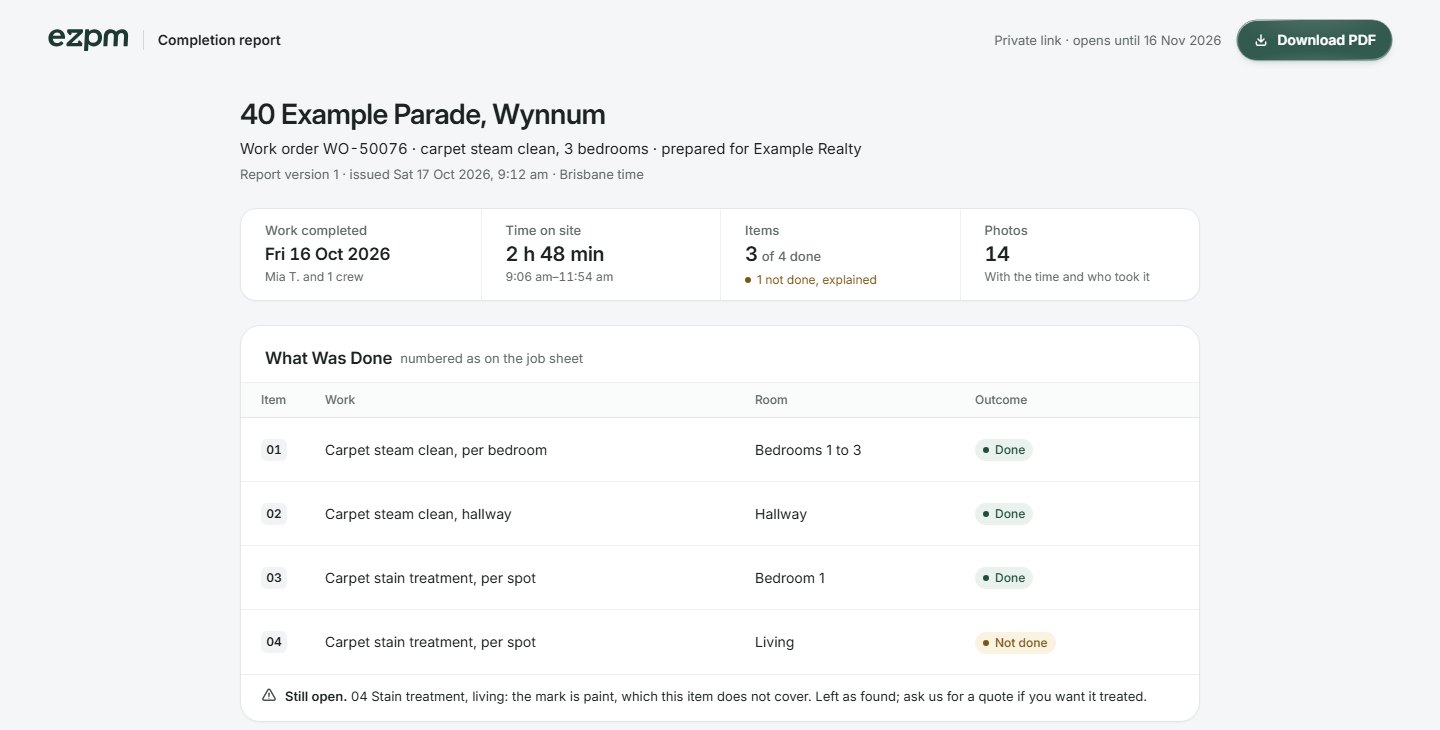
Item by item, with before and after photos and the crew's note for each, numbered to match your job sheet. One report for the whole job, back in your work order.

How the report works
Completion report in the agency portal
Completion report
8 Example Place, Camp Hill
Comes back in WO-50002
Example
3 · Before
3 · After
  • 1
    Oven complete, 60 cmBefore and after photos, with the crew's note
    Done
  • 2
    Shower surfaces completeBefore and after photos, with the crew's note
    Done
  • 3
    Adjust a rubbing internal doorBefore and after photos, with the crew's note
    Done
  • 4
    Replace insect-screen mesh and splineBefore and after photos, with the crew's note
    Done

+ 4 more items, each with photos

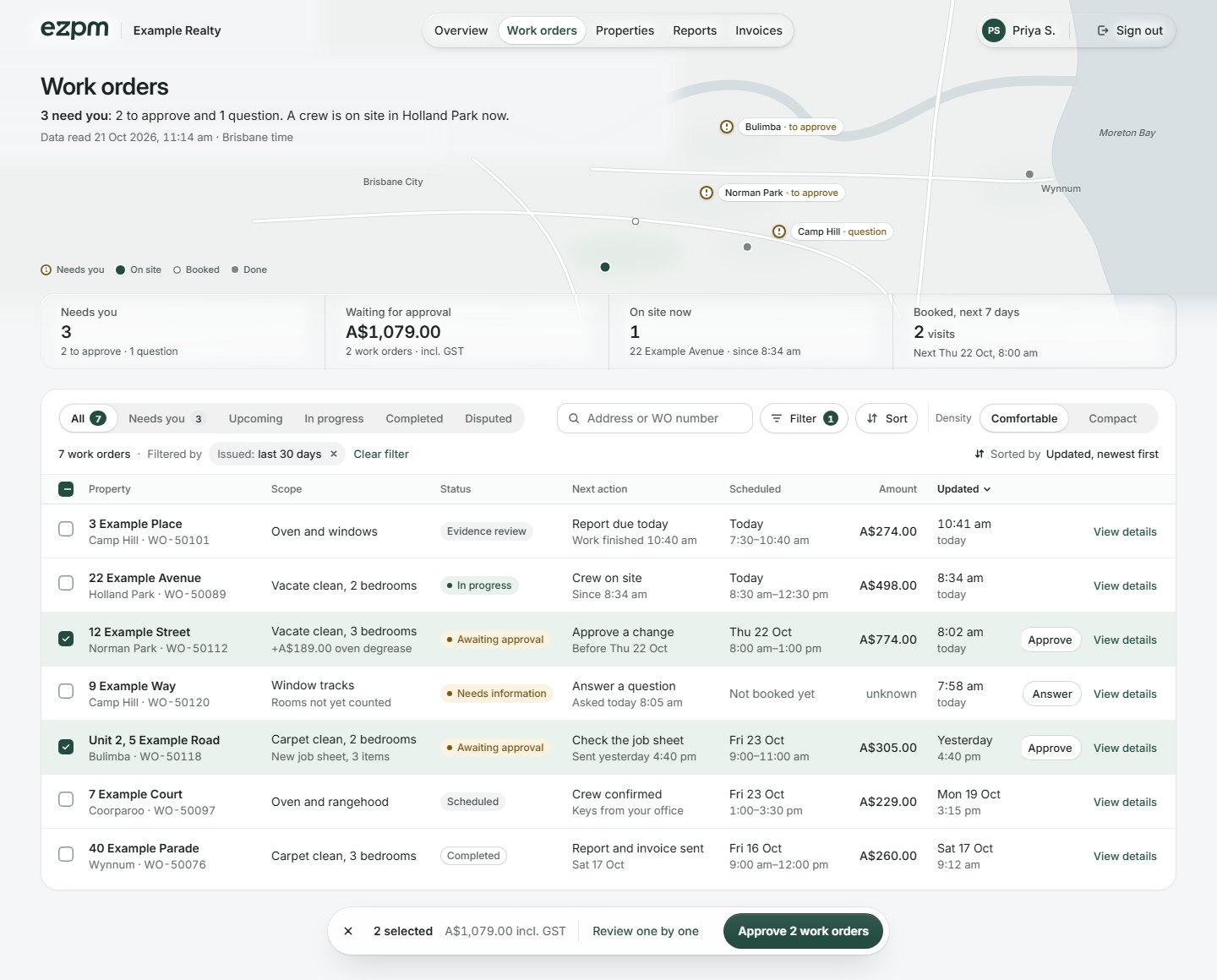
Your agency's work orders in the EZPM portal

Built for agencies

Works the way your agency already works.

The agency pays, as agent for the owner. We never bill tenants, we deal with owners only through you, and we use your keys for access.

  • Work orders arrive from your maintenance software; reports come back there
  • Every job for your agency in one place
  • Public liability insurance and WorkCover Queensland, with certificates in the appointment pack
  • Most agencies are set up the same day
How set-up works

Clear scope

We stick to what we're set up for.

Promising to do anything is how jobs go wrong. Here's what we do, and what goes to a licensed trade.

What we do

  • Cleaning, make-good and minor maintenance from our price list
  • Each item done to the scope written on the price list
  • Before and after photos for every approved item

What goes to a licensed trade

  • Plumbing and drainage
  • Electrical and gas work
  • Larger building work, and anything else that needs a licence

If a work order includes licensed work, we'll tell you so it can go to the right trade.

Service area

Across the Greater Brisbane area.

BrisbaneIpswichMoreton BayGreater Brisbane service area

Questions

Questions property managers ask us.

All questions
Do we need new software?

No. You keep sending work orders from your maintenance software. Our job sheet and completion report come back in the same work order.

How do you price a job?

Every item on the work order is priced from our published price list. If several items are done in one visit, the job sheet shows the visit price before you approve.

Can we decline items you suggest?

Yes. Suggested items are marked on the job sheet, and you can decline any of them before you approve.

Who gets the invoice? Do you bill tenants?

The agency pays, as agent for the owner. We never bill tenants.

Will you contact owners or tenants?

No. We deal with owners only through your agency, and we don't contact tenants. We get access with the agency's keys.

One work order. One crew. Proof for every item.

Set up your agency and send your next make-good to EZPM. Most agencies are set up the same day. We work across the Greater Brisbane area.